


iTop Shayela
Thinking about hitting the road with Uber in South Africa?

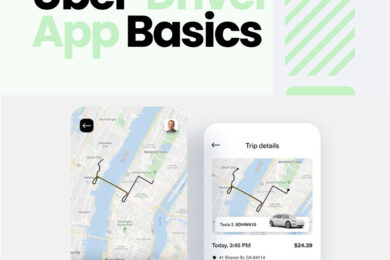
 This guide walks you through every step—from signing up and passing safety screenings to uploading essential documents and ensuring your vehicle meets Uber’s standards. We’ll also delve into the Uber Driver App basics, helping you understand how to navigate trips and track your earnings. Whether you’re seeking a full-time gig or a flexible side hustle, this comprehensive guide will set you on the path to becoming a successful Uber driver in South Africa.
1. Sign Up Online

Begin your Uber journey by creating an account on the Uber South Africa website.

You’ll need a valid email address and a smartphone to get started.

Once registered, Uber will guide you through the subsequent steps to complete your profile.

Safety is paramount. Uber requires all prospective drivers to undergo a safety screening, which includes a criminal background check.

You can complete this at various locations, including PostNetJetline Stores, or registered HURU/MIE capture partners.

In cities like Johannesburg, Pretoria, Durban, and Cape Town, a driving evaluation is also mandatory. Book your evaluation through Uber’s official channels.

2. Complete a Safety Screening

3. Upload Required Documents

  • Valid South African driver’s license – ​Learn More 
  • Professional Driving Permit (PrDP)
  • Safety screening certificate

  • Driving evaluation certificate (if applicable)

  • A clear, forward-facing profile photo

Ensure all documents are legible and meet Uber’s specifications.

Your vehicle must meet specific criteria to qualify for Uber:

  • Vehicle age: Typically within the last 7 years

  • Type: Hatchbacks, sedans, or SUVs

  • Safety features: Functioning seat belts, airbags, etc.

  • Valid vehicle inspection report

For a detailed list, visit Uber’s vehicle requirements

4. Ensure Your Vehicle Meets Uber’s Requirement

5. Activate Your Account

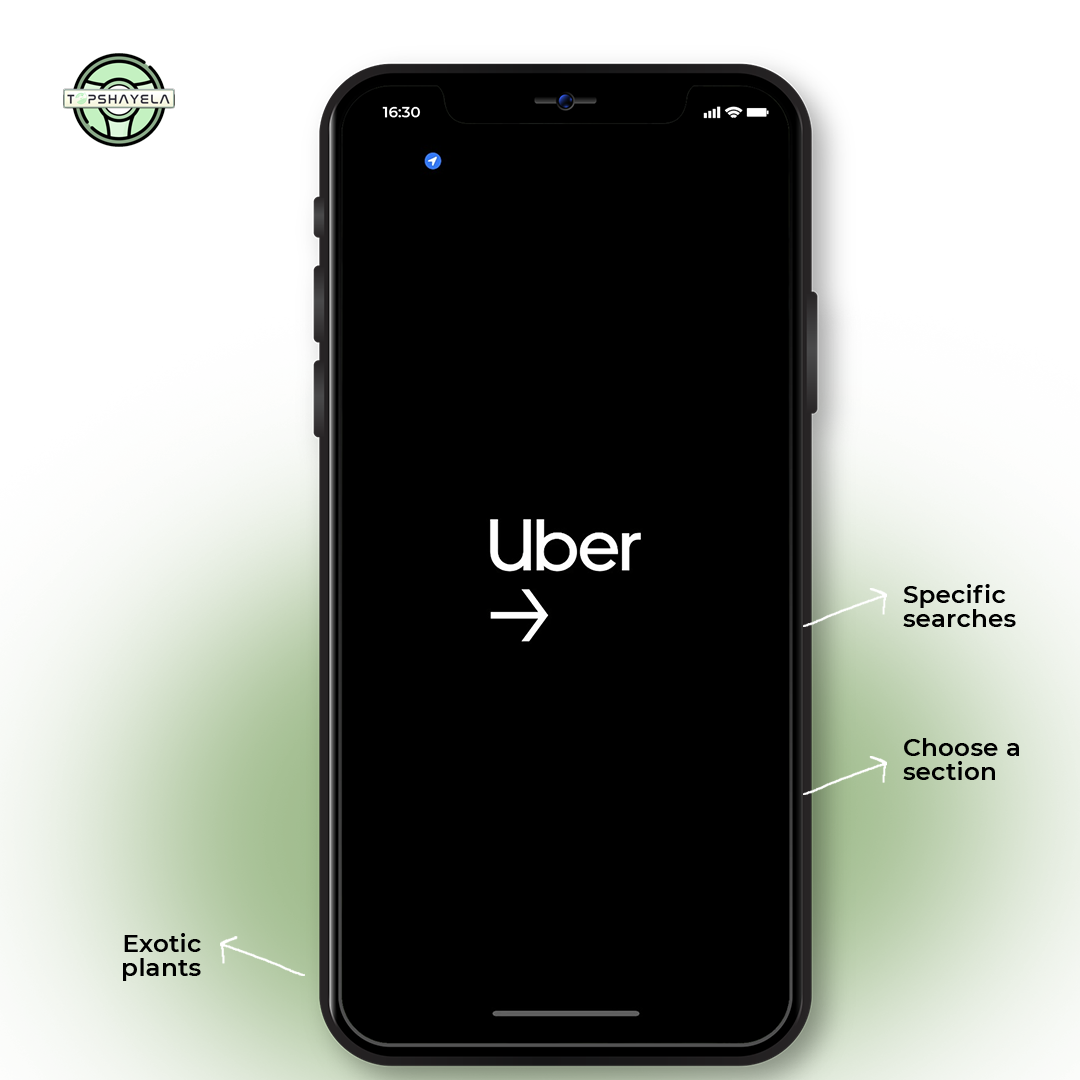
Once all steps are completed and your documents are approved, activate your account through the Uber Driver app.

Download the app, log in, and start accepting trip requests.

Need Help? Send a WhatsApp message now

Click one of our representatives below

Toip Shayela
Toip Shayela

Technical support

I am online

I am offline

Msizi Nxumalo
Msizi Nxumalo

Marketing support

I am online

I am offline

Mpumi Saba
Mpumi Saba

Fleet Manager

I am online

I am offline

Rudolph Albert
Rudolph Albert

Vehicle Manager

I am online

I am offline

Thabiso Mayisa
Thabiso Mayisa

Manager

I am online

I am offline